Image SEO Optimization: Complete Guide for Better Rankings

Strategic Image Optimization: Balance image quality with technical performance. Use formats like WebP. Add descriptive alt text. Scale images to reduce page load times and improve user experience.
3 key takeaways
- Performance First: Compress images in formats like WebP. This reduces LCP (Largest Contentful Paint) and boosts search rankings.
- Contextual Relevance: Search engines use alt text and file names to understand images. Descriptive metadata is essential for indexing.
- Mobile Responsiveness: Use responsive image attributes. Users get correctly sized images on any device. This prevents data usage and layout shifts.
Visual content is key to digital storytelling. Many creators ignore the technical requirements for search engines to find these images. When you upload a high-resolution photo, you ask a search engine to interpret pixels. Without guidance, Google struggles to understand the image or its value. This leads to slower page speeds and missed opportunities in Google Image Search. Understand visual search if you want to reach the top of search results.
Image optimization reduces image file size without losing quality. This keeps your page load time low. It also improves search engine visibility. Your images will be correctly indexed and appear for relevant searches. Some site owners feel overwhelmed by compression and metadata. However, the core principles are simple and effective. Focus on performance, relevance, and structure. Transform your images into drivers of organic traffic and user satisfaction.
What is image optimization?
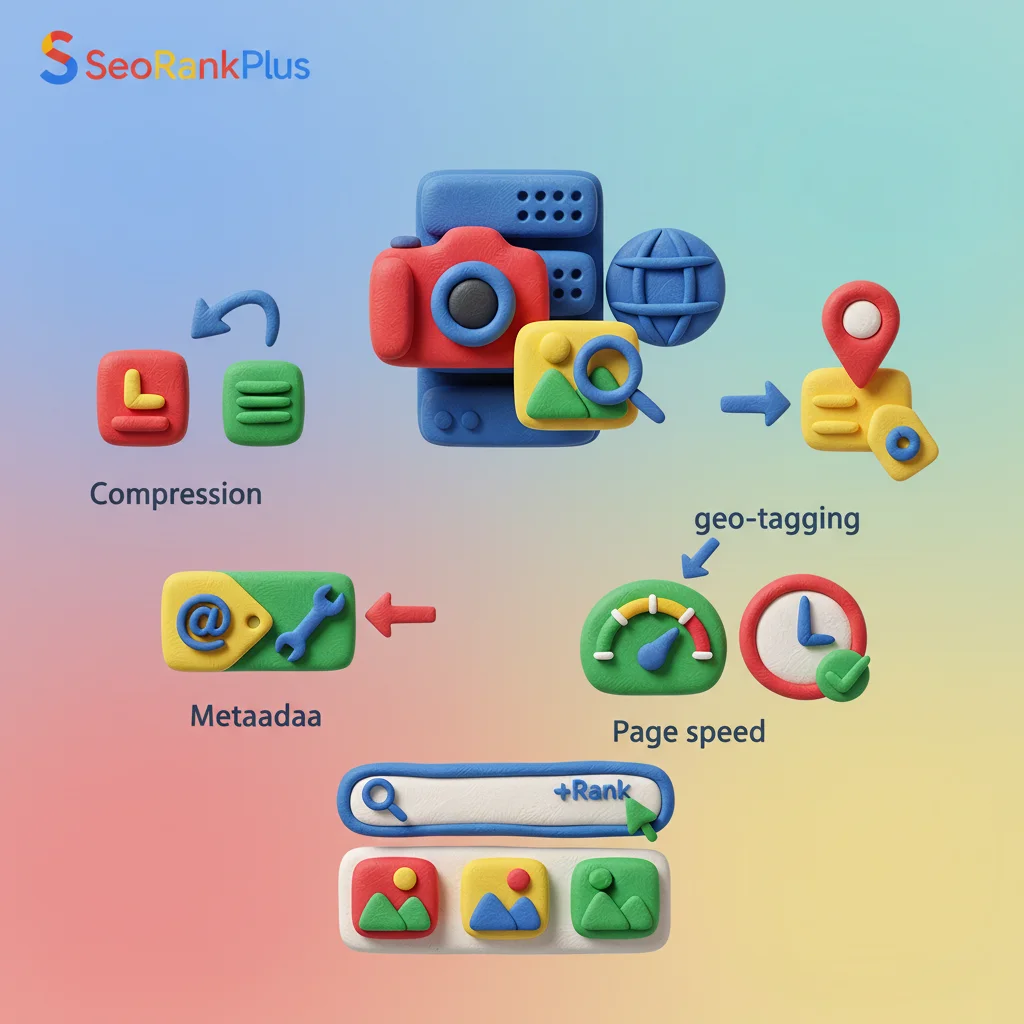
Image optimization delivers high-quality images in the right format, size, and resolution. This increases user engagement and maintains a small file size. It helps both the visual experience and search engine crawlers. Optimized images load fast and look crisp. They also signal their subject to search engines. Balance is key because images often slow down webpages.
Search engine algorithms prioritize user experience and Core Web Vitals. An unoptimized image delays Largest Contentful Paint (LCP). Large images use excessive bandwidth. This hurts mobile users with limited data. Optimization provides context. Search engines rely on alt text, captions, and surrounding content. They determine the image’s relevance to a search. The ContentMarketingInstitute says articles with relevant images get 94% more views. But the images must be integrated into the page’s structure.
Quality and performance must coexist. You might compress aggressively to reduce file size. But pixelated images hurt your domain authority and user trust. A perfect 4K image that takes ten seconds to load will cause visitors to leave. Find the “sweet spot.” The image should look professional and load fast enough for Google. You need a sound structure for your media library. Use a consistent workflow for every image you upload.
Why Image Optimization Matters for Ranking
Search rankings depend on how fast a page delivers content. Search engines see images as data. When you implement how to optimize images for SEO, you help Google crawl, index, and rank your page. Fast pages rank higher. They provide a better experience, leading to higher conversion rates and lower bounce rates. 73% of mobile users have seen slow websites. Images often cause this frustration.
Google Image Search is a source of traffic. For e-commerce, travel, and food, much organic traffic comes from visual searches. If your images lack descriptive file names and alt text, they won’t appear. Optimized images appear in Google Discover or as “image packs.” This increases your visual presence and provides entry points for customers to find your content. A sound structure in your image metadata shows search engines your site is authoritative.
User engagement also affects SEO. Relevant, high-quality images keep users on the page. This “dwell time” helps your rankings. Broken images or slow placeholders frustrate users. They will return to the search results. Prioritize optimization. Your images will enhance your content. Search engines will reward you with higher positions.
Step-by-Step Image SEO Process
- Select Format – Choose WebP or AVIF for quality and compression.
- Resize Dimensions – Scale the image to the maximum width on your site.
- Compress File – Reduce the file size below 100kb with lossy compression.
- Rename File – Use descriptive keywords instead of camera names.
- Write Alt Text – Create a description for users and search bots.
- Implement Lazy Loading – Load images as the user scrolls to save bandwidth.
Resize your images to match display dimensions
Image dimensions and file size both affect performance. Dimensions are width and height in pixels. File size is the space it occupies on a server. Don’t upload a 4000-pixel wide photo if your website’s content area is 800 pixels. The browser must download the large file and scale it down. This wastes bandwidth and increases load times, especially on mobile.
Responsive images solve the problem of varying screen sizes. Use the srcset attribute. Provide different versions of the same image at various sizes. The browser will choose the best one for the user’s screen. A smartphone user might get a 400-pixel version. A desktop user gets the 1200-pixel version. No user downloads more data than needed. You need a sound structure in your HTML. This improves Core Web Vitals scores.
Aspect ratios maintain a clean layout. Define the width and height of your images in the code. The browser will know how much space to reserve while the image downloads. This prevents “layout shifts.” This is tracked by the Cumulative Layout Shift (CLS) metric. A high score hurts your rankings. Resize your images and specify their dimensions in your content management system. Provide a stable experience for every visitor.
| Format | Best Use Case | SEO Benefit |
|---|---|---|
| WebP | Standard web images and photos | Superior compression with high quality |
| AVIF | High-detail photography | Best-in-class file size reduction |
| JPEG | Fallback for older browsers | Universal compatibility |
| PNG | Logos and transparent graphics | Preserves sharp edges and transparency |
| SVG | Icons and simple illustrations | Infinite scalability with tiny file size |
Optimize image file names for search engines
File naming tells search engines what an image is about. Cameras assign generic names like “IMG_5678.jpg.” Rename the file to something descriptive. For example, “vintage-brown-leather-armchair.jpg” is better than “product-1.jpg.” This helps your images rank in Google Image Search for specific queries.
Hyphenation makes a difference. Search engines treat hyphens as spaces. Underscores are seen as single characters. “blue-running-shoes.jpg” is three words. “blue_running_shoes.jpg” might be one long string. Use hyphens to make your text clear. This is a vital part of how to optimize images for SEO.
Keyword stuffing in file names looks like spam. Include relevant terms, but keep it concise. Focus on the image’s subject and one characteristic. If the image is part of a larger content piece, align the file name with the page’s topic. This reinforces your authority to search engines.
How to write descriptive alt text for images
Alt text is a brief description of an image in the HTML code. It helps visually impaired users understand the image. It also helps search engine optimization. Search bots use alt text to index the image. Writing good alt text improves your visual rankings and site health.
Descriptive accuracy is key. Describe what is happening in the image. Provide context to someone who cannot see it. Instead of “dog,” write “Golden Retriever puppy playing with a red ball on a green lawn.” This provides more quality information. If the image contains text, include that text in the alt attribute.
Strategic keyword integration can boost your SEO. Use keywords to enhance the description. If your page is about “best hiking boots,” and you have an image of boots on a trail, your alt text could be “Close-up of waterproof hiking boots on a rocky mountain trail.” This includes your search terms. Remember that the alt text is part of your page’s content. Google rewards sites that prioritize user-centric information.
Choosing the best file format for SEO
File formats determine how much data is needed to render an image. JPEG and PNG were standard. Now, new formats have changed the optimization landscape. WebP, from Google, is now preferred. It offers better compression than JPEG. It supports transparency and animation. Switching to WebP can reduce file sizes by 25-35% without losing visual quality.
AVIF is newer and more efficient than WebP. Browser support is growing, which is useful for sites with high-resolution photography. Using these formats signals to Google that your site is up-to-date. Provide a fallback option, such as JPEG, for users on old browsers. This ensures your content remains accessible.
SVG (Scalable Vector Graphics) is best for logos, icons, and illustrations. SVGs can be scaled without losing quality. They are code, which makes them lightweight and fast. Search engines can read the information within the SVG file. Use SVGs for UI elements for a sound structure.
Make images mobile friendly and responsive
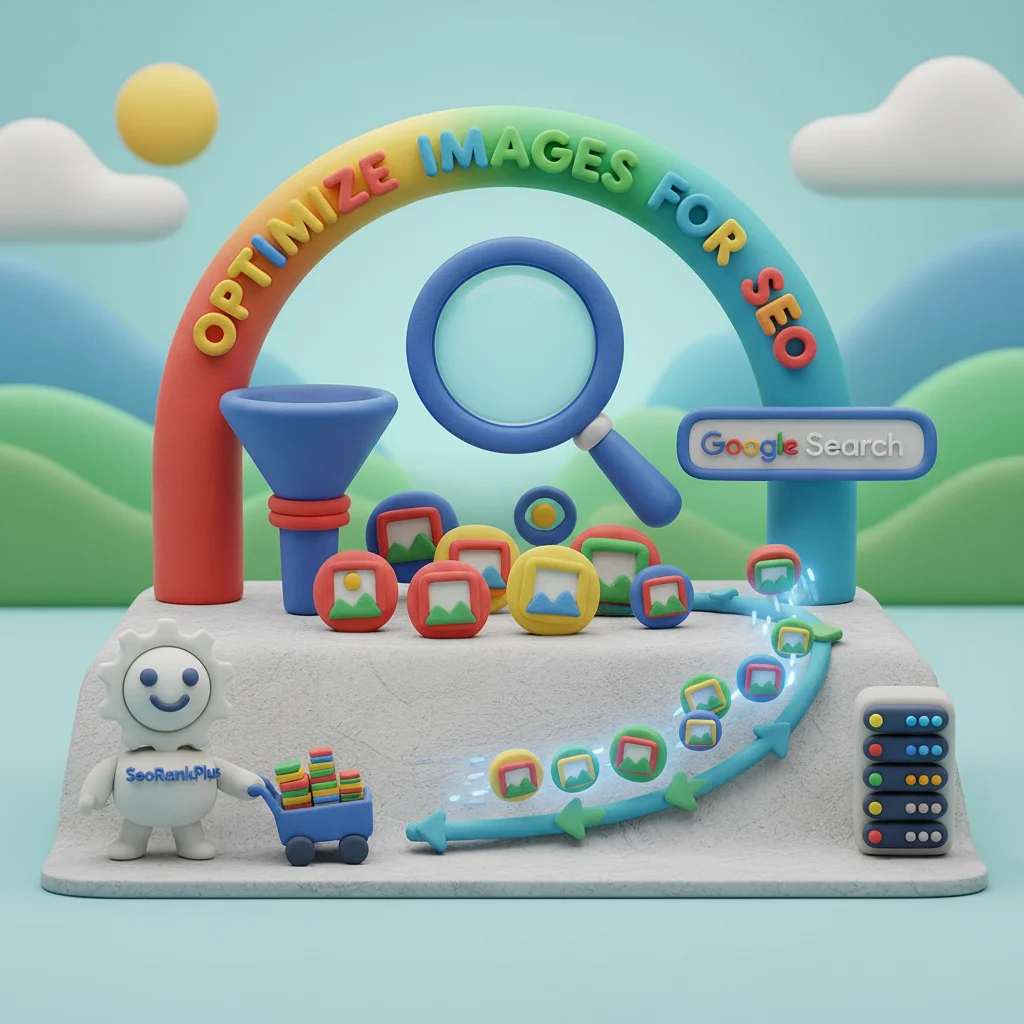
Mobile optimization is the primary way people experience the web. With Google’s mobile-first indexing, the mobile version determines your rankings. If your images are not responsive, they may break your layout. Users may have to scroll horizontally. A mobile-friendly image adapts its size and resolution to fit the device. This ensures a seamless transition from desktop to smartphone.
Lazy loading delays loading images until they enter the user’s viewport. The browser only fetches the images the user is looking at. This improves the initial load time and saves data. Most browsers support lazy loading with loading="lazy". This is a “quick win” in how to optimize images for SEO.
Touch-friendly visuals are part of the mobile experience. Ensure images are easy to interact with on a touchscreen. Small buttons or images that are too close together can lead to errors. Google tracks this. Focus on the quality of the mobile interaction. Improve your site’s domain authority. Keep users engaged longer. This supports your SEO goals.
Use structured data to enhance visual search
Structured data, or Schema markup, tags your content so search engines understand its context. For images, this is useful in e-commerce and recipe niches. Add ImageObject or Product schema to your pages. Help your images appear with “rich snippets” in search results. These snippets might include the price, availability, or rating. They are displayed alongside the image in Google Image Search.
Rich results increase your click-through rate (CTR). Users are more likely to click on a photo of a dish with the cooking time and calorie count. This visual edge can help you dominate the top of the results. Implementing structured data requires a technical approach. Tools like Yoast or Semrush can automate the process.
Entity-based SEO connects your images to broader concepts. If you have an image of a landmark, use structured data to identify it, helps Google connect your page to that entity. This builds a sound structure of information. Your site will appear more authoritative. Providing this data helps ensure your content remains visible.
Leveraging site maps for faster indexing
Image sitemaps list all the images on your website. They provide search engines with a clear map. A specific image sitemap lets you provide details like the image subject, license, and location. This is useful for sites that use JavaScript galleries. These can be difficult for bots to discover.
Faster indexing is the benefit of a sitemap. When you upload new content, you want it to appear in search results quickly. Submit an updated sitemap via Google Search Console. Invite the crawlers to see your new work. This is a proactive step in how to optimize images for SEO. For large sites, this guarantees coverage across your entire domain.
Metadata consistency between your sitemap and on-page attributes is key. Ensure the titles and captions match what is on the page. This prevents confusion for the search bots. A clean sitemap is a sign of a high-quality website. Google recommends this for site owners who want to maximize their visibility.
Best Tools for Image Optimization in 2025
Optimization tools allow beginners to achieve results with a few clicks. Automated services can resize and compress during upload. TinyPNG and Squoosh are good for optimizations. They offer a balance between file size reduction and visual fidelity. These tools use compression techniques that remove data while keeping the image sharp.
WordPress plugins like Imagify or ShortPixel are essential for blogs or e-commerce sites. These tools convert your images to WebP and resize them as you upload them. They can also “bulk optimize” your library. This can reduce your site’s load time. Invest in a tool that integrates into your workflow. Optimization will become a habit. This separates high-ranking sites from the rest.
Performance monitoring tools like Google PageSpeed Insights or GTmetrix check your progress. These tools highlight which images are slowing down your page. They provide advice on how to fix them. Keep an eye on these metrics. Maintain a fast, search-friendly site. Provide a top-tier experience. How to optimize images for SEO is ongoing. The right tools make that process manageable.
 Pros
Pros
- • Faster Load Times: Optimized images improve page speed. This leads to better rankings and user retention.
- • Increased Traffic: Well-tagged images can rank in Google Image Search. This opens a new traffic source.
- • Enhanced Accessibility: Proper alt text ensures your content is usable for people with visual impairments.
✘ Cons
- • Initial Setup Time: Implementing optimization requires an investment in time and configuration.
- • Quality Trade-offs: Compression can lead to blurriness if not monitored.
- • Format Compatibility: New formats may require fallbacks for older browsers.
Frequently Asked Questions
What is the best image size for SEO?
Keep file weights under 100kb. Match pixel dimensions to the display width of your site. Use 1200px for full-width images or 800px for blog content.
How do I write good alt text for images?
Good alt text should be descriptive and concise (under 125 characters). Include relevant keywords naturally. Describe the image’s content and function.
What file format is best for SEO images?
WebP is the best file format for SEO images. It offers high-quality visuals at smaller file sizes. All modern browsers support it.
Does image file name matter for SEO?
Yes, image file names matter. Use descriptive keywords like “blue-suede-hiking-boots.jpg.” Avoid generic names like “IMG_123.jpg.”
Should I use lazy loading for all images?
Use lazy loading for all images except those “above the fold.” Delaying images improves load speed.
How often should I audit my image SEO?
Audit your image SEO quarterly. Use tools like Google Search Console or PageSpeed Insights. Ensure new uploads follow practices.
Contact us
Ready to transform your website’s performance? Want to dominate the visual search results? Our SEO experts can help you implement an image optimization strategy.
The post Image SEO Optimization: Complete Guide for Better Rankings appeared first on Dödsverket - Dödsverket - dödsboförvaltning, Dödsbotjänster, juridisk hjälp.
Image SEO Optimization: Complete Guide for Better Rankings published first on https://dodsverket.se/


Comments
Post a Comment